Prayer & Qibla
See local prayer times, choose which prayers send an alert, and find the Qibla with the compass.
 Li-Ummah
For iPhone
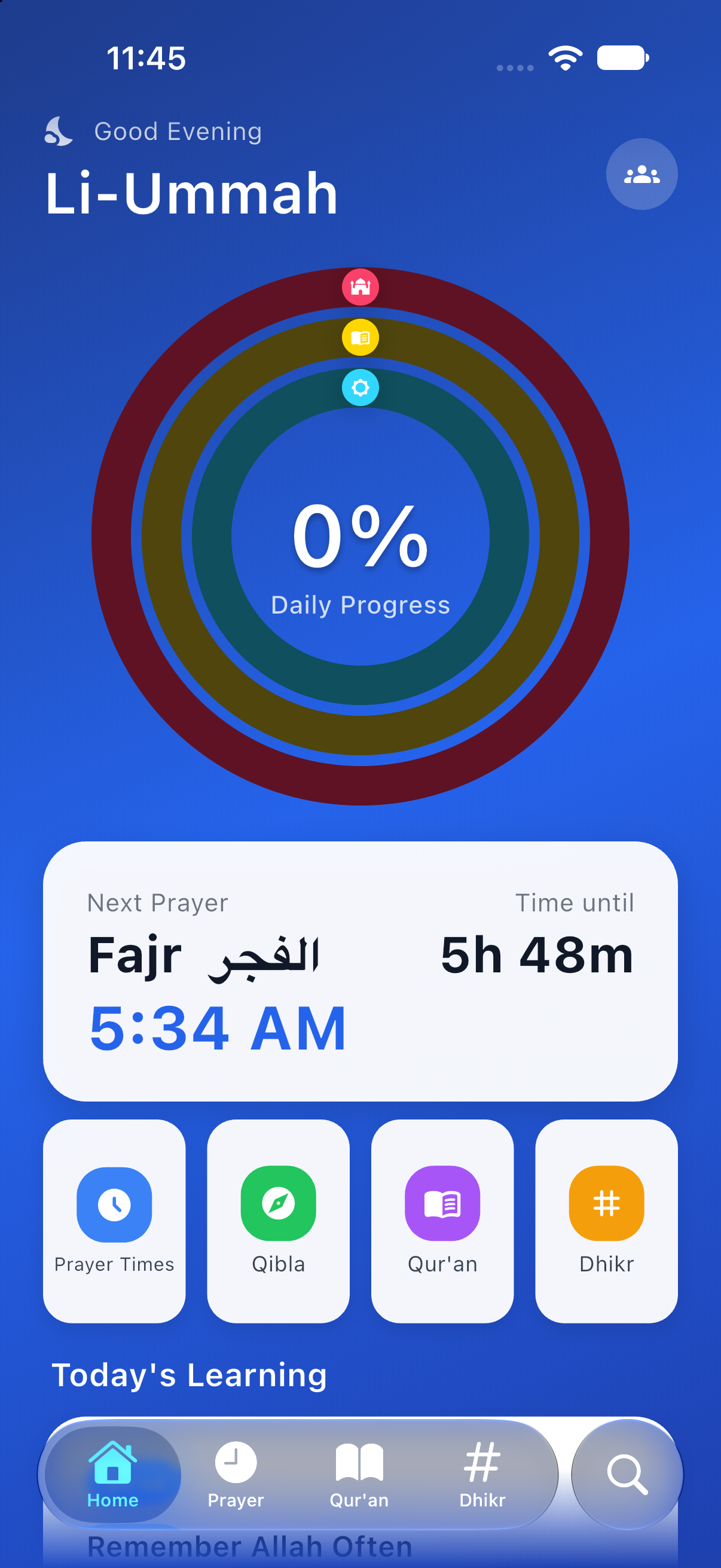
A quiet companion for daily worship. Prayer times, Qibla, Qur’an, and dhikr, always free and without ads.
Our mission
We built Li-Ummah with one purpose. We want Muslims everywhere to have free access to the tools that support their religious obligations and daily worship.
When it’s time to pray, you should be able to check the time, find the Qibla, and get on with your prayer. When you make time for the Qur’an or dhikr, that time should feel like yours. We want Li-Ummah to help you focus on what brought you here in the first place.
Every feature is free and open to everyone. Li-Ummah has no ads or paywalls. As we add new features, they’ll be free for everyone too.
Daily worship
See local prayer times, choose which prayers send an alert, and find the Qibla with the compass.
Read the Qur’an in Arabic with translation and transliteration, or listen to recitation.
Keep a daily dhikr count, explore duas and the 99 Names, and practice Arabic letters with Noorani Qaida Lesson 1.